
Been a weird but productive couple days, Card Grinders!
Some news items:
TCGplayer have launched the open beta of their new version of Quicklist. Instead of calling it Quicklist+ like they were originally, they are calling it Scan & Identify. This is available automatically for all Pro Sellers, and is a new tab that appears at the top of your Seller Portal. This service works really well, if you are already set up to use it. It works great with a scanner – instead of it live detecting and identifying cards, it simply uses images you’ve already got on your computer. I have been using it a lot, if you’ve seen some of my more recent videos around processes and such.
CardCastle have announced they have launched a beta for their Lorcana card detection/sort for the CardBot. I haven’t had a chance to try it yet, but I imagine it works a lot like the Pokemon one, with maybe a bit fewer features currently. I’ll let you know when I get a chance to run some Lorcana cards through my CardBot.
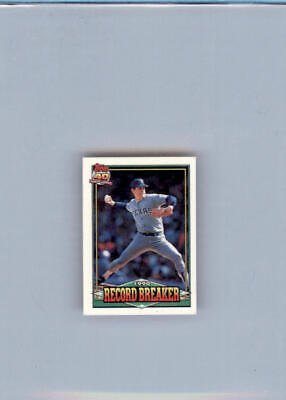
I was able finally to scan some cards last night and get them listed. I’ve been having a hard time with my current schedule, because I’ve been super tired after 9-10p, and having to get up at 430a to start the day. So, I was able to scan a bunch last night, and then drop those images into Google Drive so that I can get them taken care of during my long midday break away from home. Was able to list several hundred ZNR cards to TCGplayer, with a couple hundred more ready to go live on the WooShop tonight. Also listed 50 more of the 1991 Topps Micro set that I’ve been working on, a few of which I’ve cross-listed to the WooShop. They are available in the Newly Listed section until I create the categories for sports cards (likely very soon).
I haven’t really had time and/or energy to get my shelves reconstructed yet, but I’m sure I’ll be able to do so at least by the end of the weekend. Need to shoot some short videos and maybe a long video this evening, and maybe throw together a Whatnot stream sometime in the next couple days.
Until tomorrow,
Cheers!